
The network is the one system everything else depends on
Mail, phones, point-of-sale, cameras, access control, cloud applications and the line-of-business server all sit on the same foundation. When that foundation is undocumented, over-subscribed or haphazardly patched, every other system inherits the problem — and every fault takes longer to find.
We design networks as a whole: physical layer, switching, routing, wireless, internet edge and remote access. Each design starts with a walk-through of your site and a count of what is genuinely connected, because the inventory in most businesses has drifted away from reality.
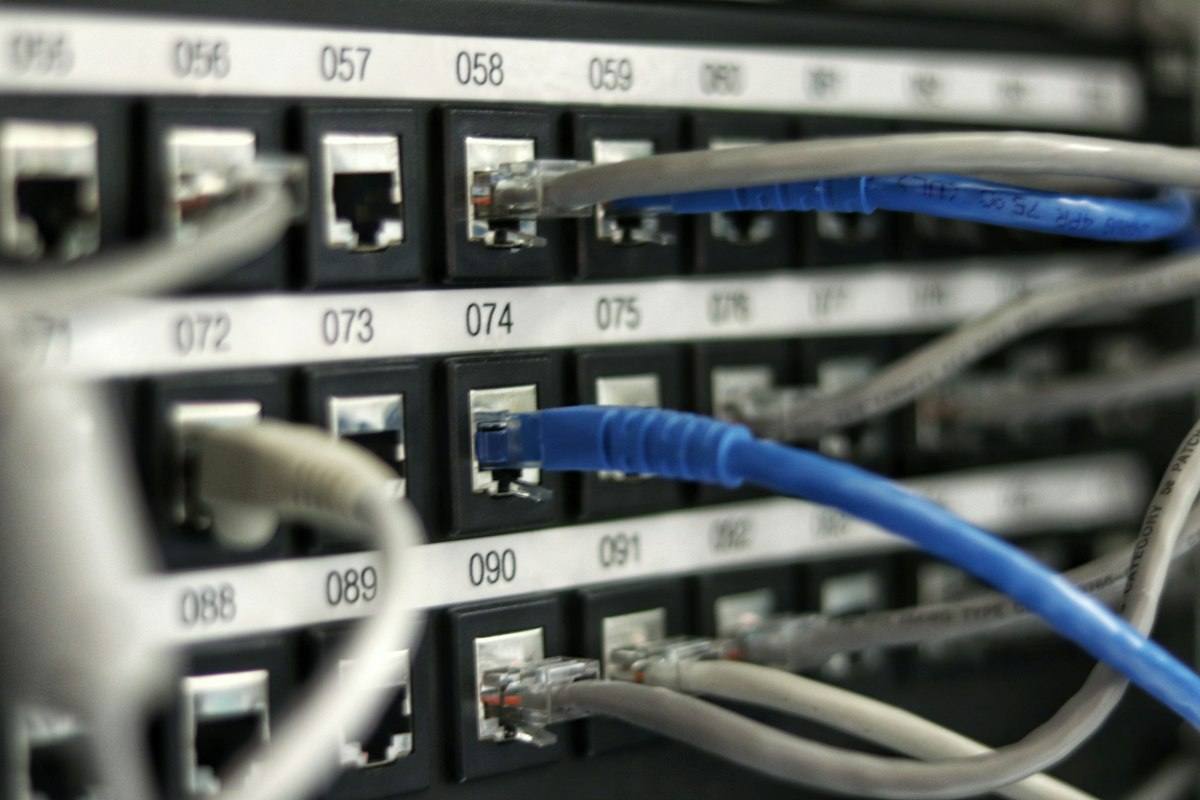
Structured cabling & racks
Patch panels, labelling, UPS and cooling done to a standard that survives staff changes.
Core & access switching
PoE for phones and cameras, VLANs per function, redundant links where it counts.
Wireless that holds up
Site survey, channel planning and guest isolation — not just access points on a ceiling.
WAN & SD-WAN
Multiple links, sensible failover between sites, and traffic prioritised for voice.
Signs your current network needs attention
- The Wi-Fi works in the meeting room but not in the corner office, and nobody knows why.
- Nobody can produce a current diagram, or say which port feeds which desk.
- Adding a switch means unplugging something else, because the cabinet is full.
- Voice calls break up when someone uploads a large file.
- The office loses internet when one device or one cable fails.
- A new site, floor or lease arrives and the network has to be rebuilt from scratch.
None of these require a full replacement. Most engagements start with an assessment that tells you which parts to keep, which to refresh and which to re-configure, with costs attached to each option.
How a project runs
- Assess. On-site survey, device inventory, link and port audit, and a written findings report.
- Design. Topology, addressing plan, equipment list and a cut-over plan that states exactly when each service will be unavailable.
- Deploy. Staged installation, out-of-hours cut-over where required, and testing against agreed acceptance criteria.
- Hand over. As-built documentation, labelled cabinets and credentials in your name — plus optional ongoing support.
Documentation is part of the job, not an extra. You receive the as-built diagram, IP addressing plan, port map and asset register at handover, whether or not you continue with us for support.
Common questions
Will our staff be offline during the changeover?
Plan for a short, scheduled interruption rather than a surprise. Most switching and cabling work is done out of hours in one evening, and we agree the window and rollback plan with you before any work starts.
Can you work with the equipment we already own?
Usually yes. Where existing hardware is serviceable we keep it and reconfigure it. We will tell you plainly when a device is out of support or holding the design back, rather than replacing things for the sake of it.
Do you cover multiple offices?
Yes. Multi-site work is mostly a question of consistent standards and private connectivity between sites, so that staff, devices and policies behave the same wherever they sit.
What happens after the project?
You can take the documentation and run it yourself, or place the network under a monitoring and maintenance agreement so faults are seen and acted on before users report them.